Quick Submit Plugin error in OJS 3.5.0.3

Describe the issue or problem
We’ve recently made a new OJS Journal for our organization, version 3.5.0.3, in which the Quick Submit plugin is not working, opening it opens a blank page.

Quick Submit Plugin showing Error→

Blank Page Opens →
Php_Error.log →

[24-Jan-2026 08:56:45 UTC] Database query
select * from `issue_settings` where `issue_id` = ?
[1]
[24-Jan-2026 08:56:45 UTC] Database query
select * from `sections` where `section_id` = ? and `journal_id` = ? limit 1
[1,1]
[24-Jan-2026 08:56:45 UTC] Database query
select * from `section_settings` where `section_id` = ?
[1]
[24-Jan-2026 08:56:45 UTC] Database query
select `ug`.* from `user_groups` as `ug` inner join `user_user_groups` as `uug` on `ug`.`user_group_id` = `uug`.`user_group_id` where `uug`.`user_id` in (?)
[1]
[24-Jan-2026 08:56:45 UTC] Database query
select * from `user_group_settings` where `user_group_id` = ?
[1]
[24-Jan-2026 08:56:45 UTC] Database query
select * from `user_group_settings` where `user_group_id` = ?
[2]
[24-Jan-2026 08:56:45 UTC] Database query
select count(*) as aggregate from `jobs` where `reserved_at` is null and `available_at` <= ? and `queue` is not null and `queue` != ? and `attempts` < ?
[1769245005,"queuedTestJob",3]
[24-Jan-2026 08:56:45 UTC] Database query
UPDATE sessions
				SET
					user_id = ?,
					ip_address = ?,
					user_agent = ?,
					created = ?,
					last_used = ?,
					remember = ?,
					data = ?,
					domain = ?
				WHERE session_id = ?

Hi @Om_Goel,

It looks like you’ve turned on the debug option in your config.inc.php configuration file, which is cluttering up the PHP error log.

  • Turn debug off,
  • Trigger the blank page by trying to use the quick submit plugin with your browser, then
  • Check the PHP error log again to see if there is anything relevant.

Regards,
Alec Smecher
Public Knowledge Project Team

Thanks for your response sir,

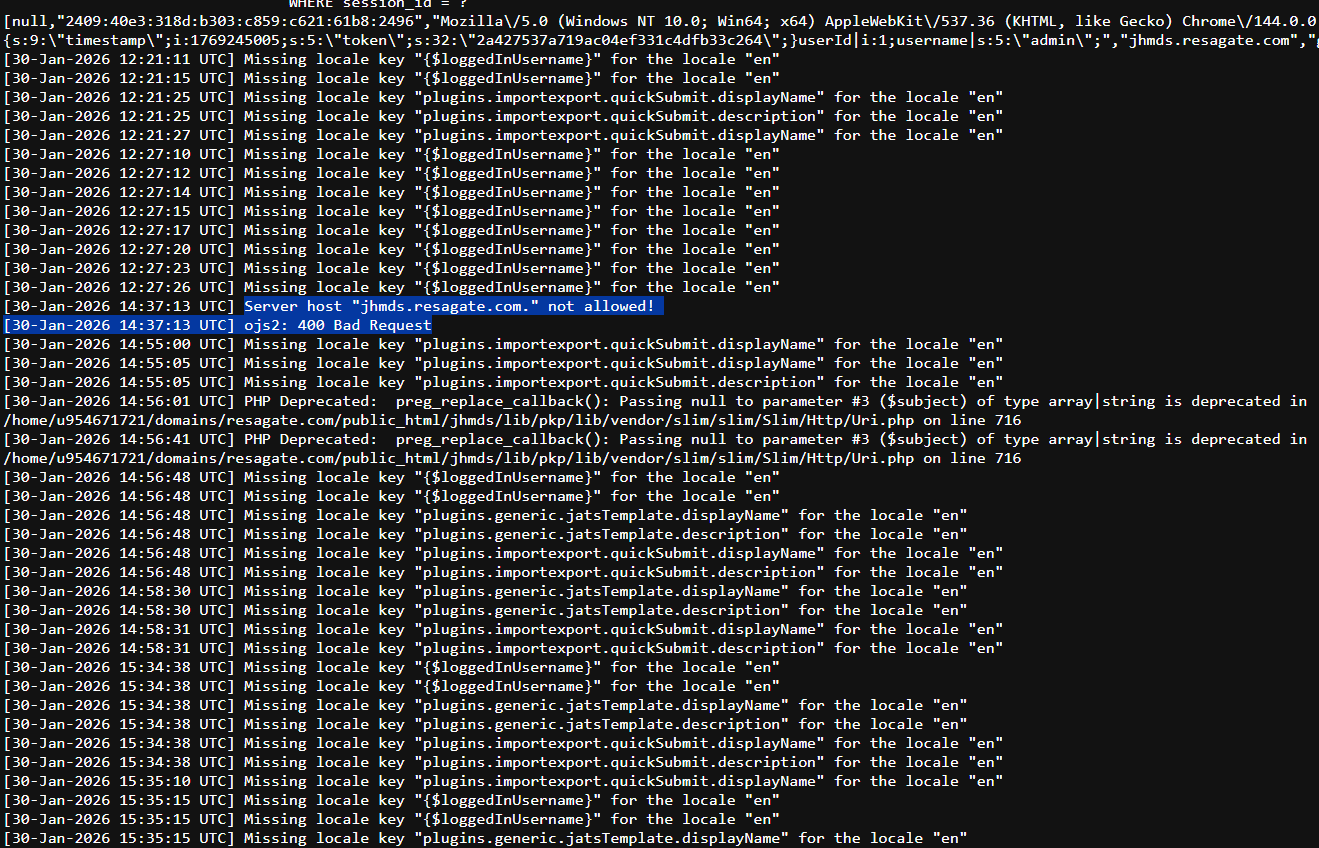
As you’ve said, I turned debug off, and then the new logs are appeared as following:

Please confirm if it’s okay to describe the issue to you clearly. And also give us directions to act upon for resolving the issue, so that we install new journals correctly as well.

Hi @Om_Goel,

I don’t see anything relevant there. Have you triggered the error again (i.e. caused OJS to show the blank page)? That should cause something to appear in the logs.

Regards,
Alec Smecher
Public Knowledge Project Team

There is also some extra logs, hope it may help you:

Journal Link: https://jhmds.resagate.com

Is there any possibility of error due to the hosting of this journal under the subfolder in Resagate.com due to using it with subdomain (jhmds.resagate.com) ?

Hi @Om_Goel,

I still don’t think you’ve found the relevant error message in the PHP error log. Look for something containing “Fatal”, “Error”, or “Exception”.

Regards,
Alec Smecher
Public Knowledge Project Team

This topic was automatically closed after 13 days. New replies are no longer allowed.