Describe the issue or problem
We had to move our OJS software (OJS 3.4.0.7) to a new server. We appeared to have no problems, but quickly realized we have lost the path to the files that the authors and reviewers have loaded.
This is the message I get when I try to download a file.
I can definitely load files into OJS, and the files are visible in OJS, as well as on the server as in this string: private_html/ojsfiles/journals/1/articles/1671
But if I click on the highlighted file in OJS, it does not download. I still get this message:
Interesting that you’re getting an ERR_INVALID_RESPONSE from the browser, when I would expect to get a 404 if the file was not present or in the wrong place.
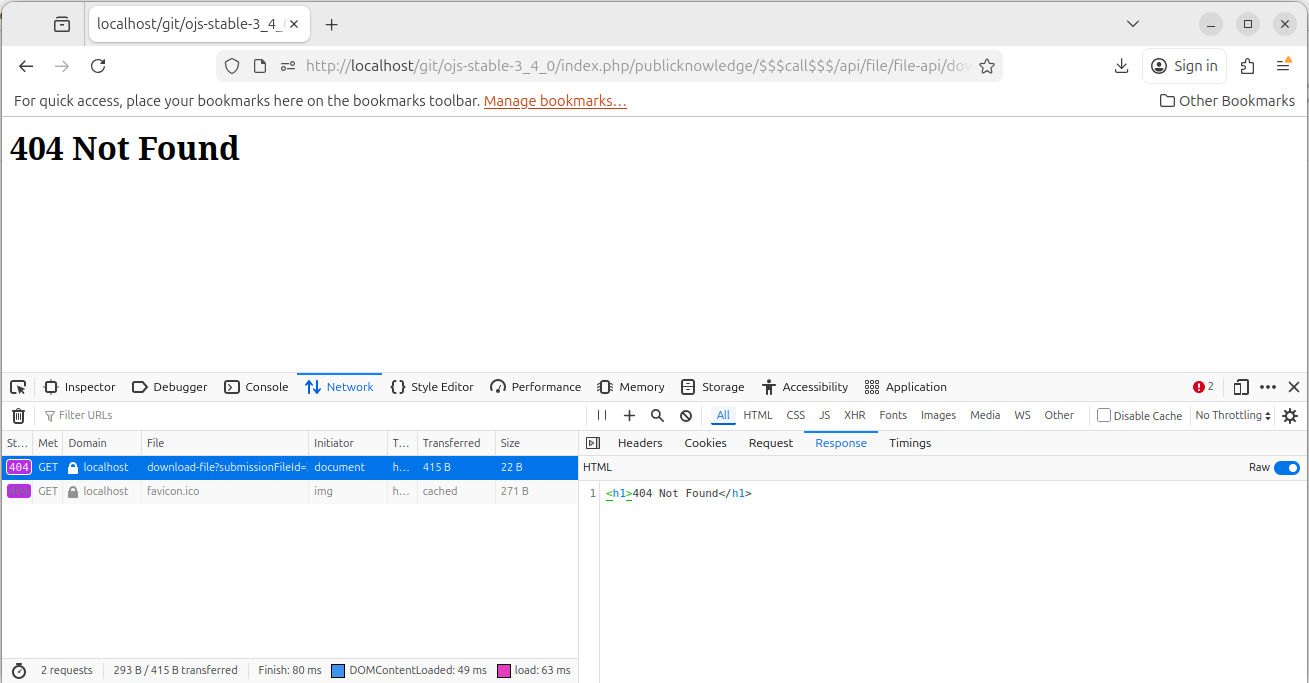
Can you check your web browser’s developer tools and look in particular at the Network tab? When you attempt to download the file, it should record the server’s response, which you can then see on the Response tab. It should look something like this (but with different contents in the Response area):
When you click the link in the OJS you should see new line(s) appear in the Network tab of the browser console. This line corresponds to the HTTP request initiated by clicking the link. You should then select (click) this line, and the details of this particular response (headers/request/response/etc) will appear.
The files are definitely present, as I can download them with SFTP. I imagine that is why I don’t get a 404. I think it is because of a server setting.
We opened permission settings in the server, but we are still getting this message:
Is there somewhere in OJS that we need to change a directive? Why can’t we download files from OJS?
Can you follow the directions suggested by @voffch above to get more information on the response your web server is giving when you attempt to download the file?
If the file was simply missing or inaccessible by OJS, you would get a 404 – but the message you’re getting is something different.
Regards,
Alec Smecher
Public Knowledge Project Team
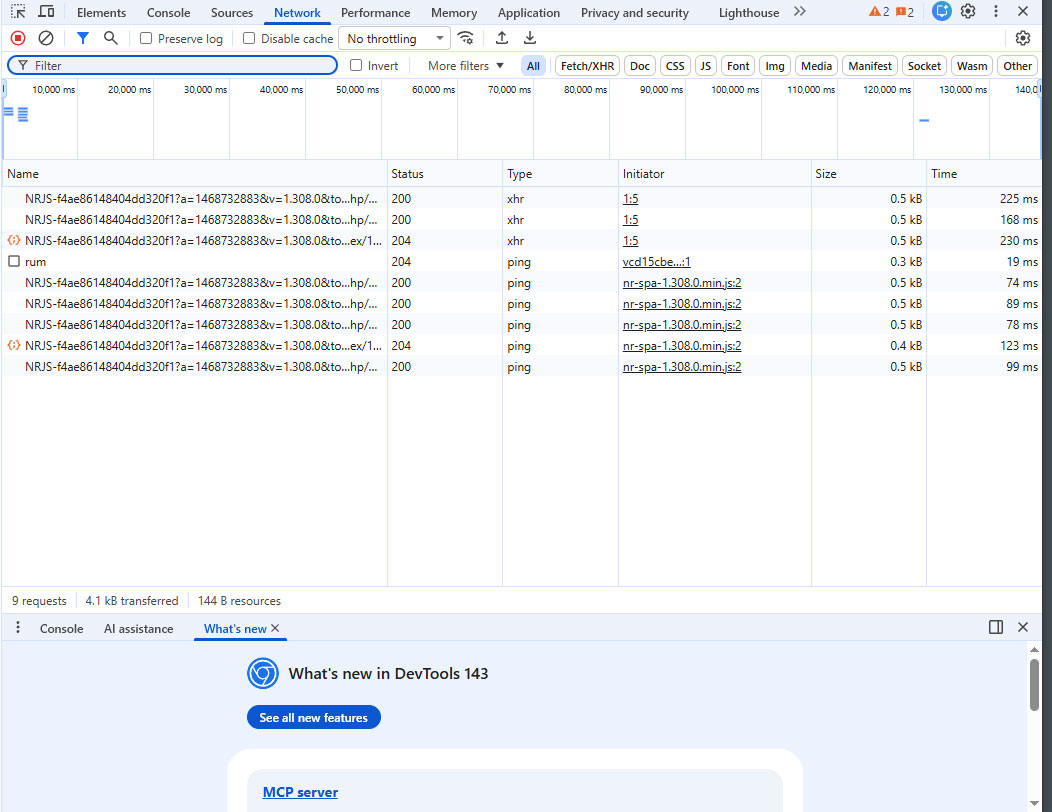
I’m tried but I can’t see the network tab. I know the files are there because I can ftp them off the server. The files are not missing. The files are there. We simply can’t download them.
Also - articles that have only reached Submission stage - I can download by using the download button in submissions.
This doesn’t help during the review process or production because there is no download button on the other tabs.