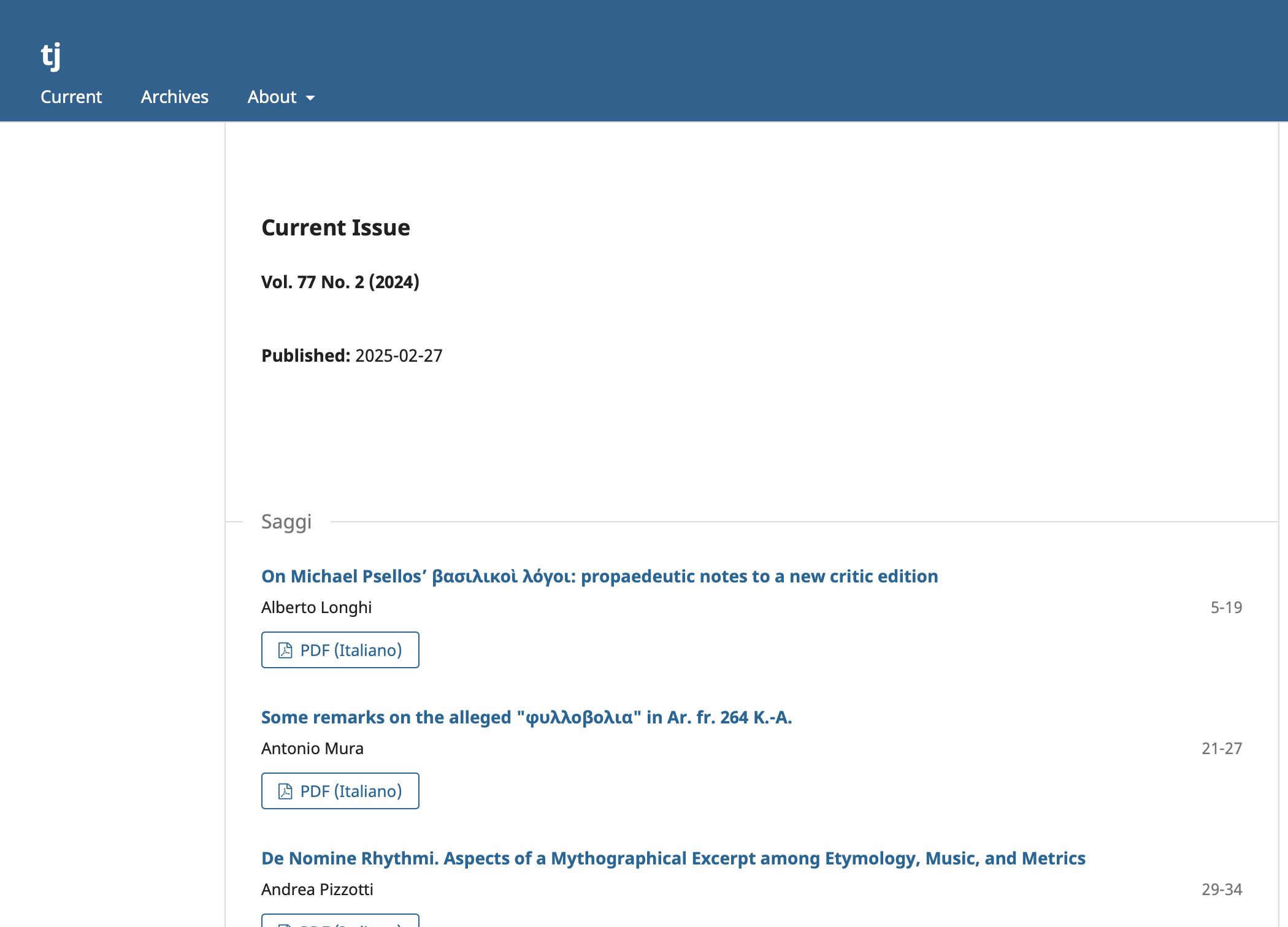
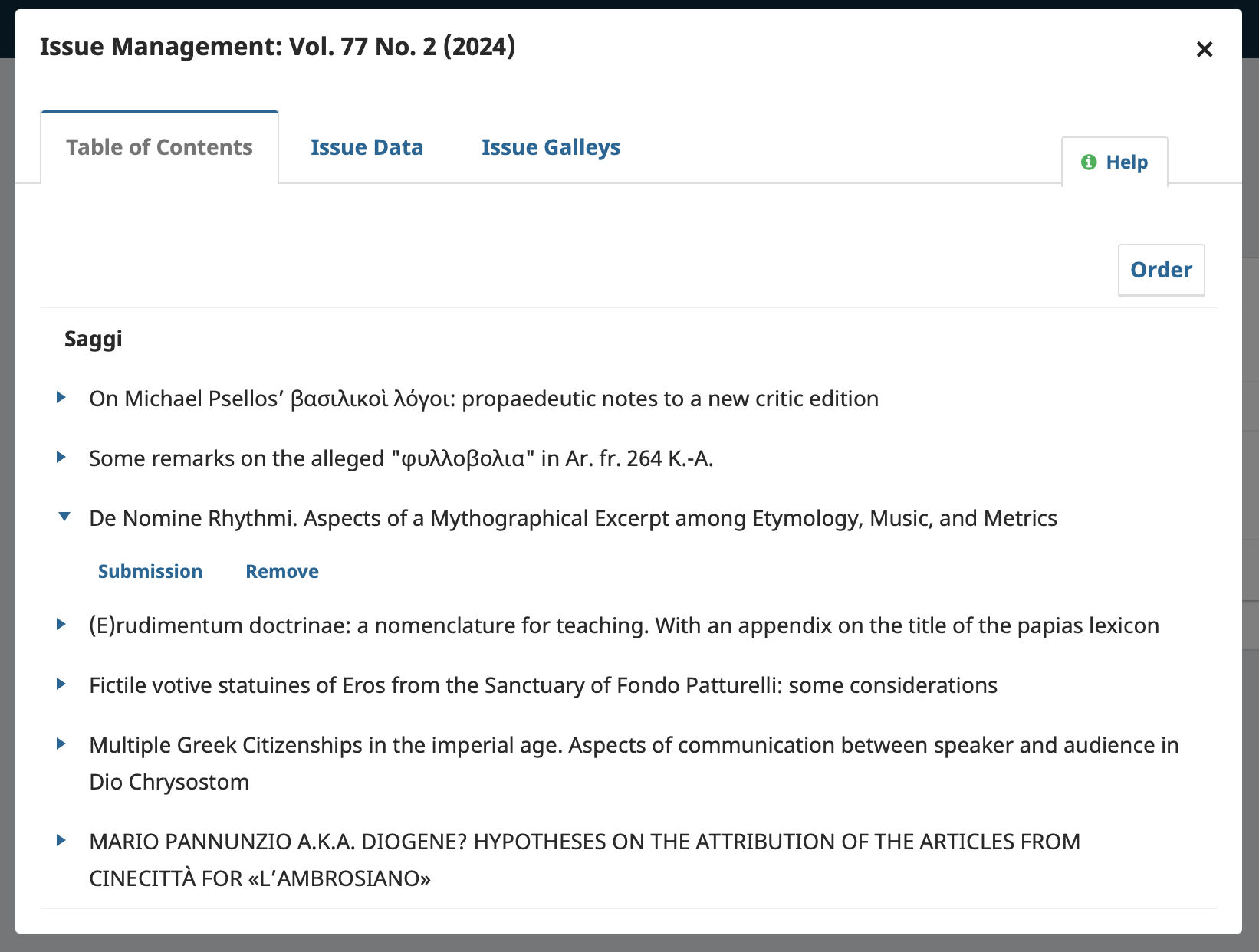
We have tried to upload with both the OJS interface, and with commands in the command line. After both methods, on the surface, issue galleys were not shown. Errors were not reported in the interface, but were reported in the log when using command line (see picture attached below). We have also tried to import with exported XML files from older issues already imported previously, and on a new OJS installation. The same errors were seen.
Here is a list of things we have tried, which consistently produced the same results:
In our production installation
Import new XML file
Import new XML file without galleys
Export an older issue with Native XML, re-import the file
In a brand new OJS installation
Import new XML file
Import new XML file without galleys
Steps I took leading up to the issue
With OJS interface
Login with User/Role ‘Journal Manager’
Navigate to ‘Tools’ then ‘Native XML Plugin’ for import
Upload your XML file
Import
With command line
In ‘tools’ folder of the journal
use command: php importExport.php NativeImportExportPlugin import <xml_file_path> <journal_path> <user_name>
What application are you using?
OJS 3.3.0.20
Additional information
When importing using the interface, no error was reported and the import was shown as successful. However galleys for the issue are not showing.
When importing using command line, an exception was reported multiple times: (also see attached image)
Exception: Filter output validation failed, expected “classes.publication.Publication”, but found “array” in /var/www/html/lib/pkp/classes/filter/Filter.inc.php:459\nStack trace:\n#0 /var/www/html/lib/pkp/plugins/importexport/native/filter/NativeXmlSubmissionFilter.inc.php(185): …
Results were consistent when attempting to import an XML file of previous issues exported from Native XML itself. We have attempted on a fresh OJS installation and the same issues remained.
Hi @c.ho, what version of OJS was the XML file you are trying to import into 3.3. generated by? The Native XML format changes with each major version; for example, you can not import an XML file generated with 3.2 into a 3.3 install without editing the XML. Here’s a sample of the XML format expected for 3.3 for reference.
Thanks for the reply.
The file was generated for 3.3. Previously before the latest update to 3.3.0.20, the version was 3.3.0.16 though the same error showed up.
The XML file was also validated against the XSD files that came with 3.3.0.20.
Do you have other suggestions for things we can check?
Hi @c.ho, thanks for your patience - I was able to reproduce the issue you had using our sample data (with an added issue galley), and found it did not import the issue galley in 3.3 (but did work correctly in 3.4). I’ll look into this further and try to find a solution, but it may take some time as our team is busy preparing for our upcoming 3.5 release.
I’m afraid that I don’t have an answer for you, but I’m experiencing the same error. At least, the error messages I’m seeing on the command line when I try to import the XML match those in your screenshot.
I’m not sure if issue galleys are a concern here. When I grep the XML for issue_galleys the results are just a bunch of lines like
For what it’s worth, the XML was exported from OJS 3.3.0.21, and I am attempting to import it into a fresh instance running the same version. I’ve validated all the XML against the schema.
The issues seem to import correctly, but the volume of error messages is a bit concerning.
we also have 3.3.0.21 and we have the same problem.
we have applied the patch that you suggested, but unfortunately we have the same issue:
Filter output validation failed, expected “lib.pkp.classes.submission.SubmissionFile”, but found “array” in /var/www/html/ojstest/lib/pkp/classes/filter/Filter.inc.php:459)
Is there something that we need to add, in order to import issues successfully with the native plugin?
We could not see anything imported, just the error messages. We have exported two issues with their articles from a journal to another one, in the same installation, but without success.
Can you please tell us how to validate the XML? Is there a specific command?
I downloaded the schema files from the PKP github repos. There are three of them; the main file is
plugins/importexport/native/native.xsd
That one includes another .xsd file, which itself includes another one, and the include paths are assuming you have the entire OJS codebase sitting around. I edited the include paths in those files so it was all self-contained (that is, assuming all the schema files were in the same directory, not assuming the directory structure of the full OJS codebase).
The origin is another journal in the same OJS, which is 3.3.0-21. We exported an issue via native XML plugin from a journal, and we tried to import the XML into a test journal. Without success.
I’m not sure if you are getting those if you have your OJS in Italian. Mine is in english, so I had to restore the database, create an “Articolo” component at Workflow > Submission > Components and try again.
Now the import worked (all those verbose exceptions continue but no “Errors occured:” at the end).
However, it broke my OJS. The cause is that my OJS being in english it does not have “Autore” user groups.