It takes a lot of time when adding a file to “Upload a Production Ready File”, no matter if it is EPUB, PDF, EXCEL, etc. In OMP 3.3.0.21.
To replicate the issue:
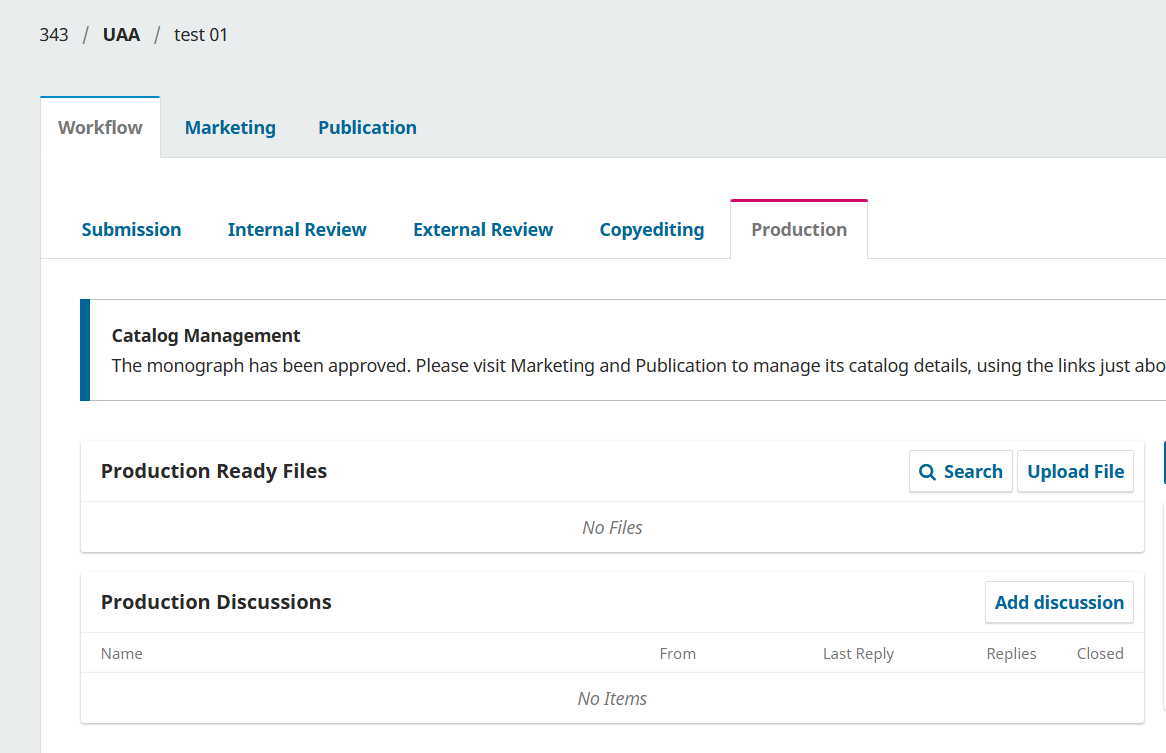
1- At the end of the editorial workflow, under the “Production” tab, in the section “Production Ready Files”, click the “Upload File” button.
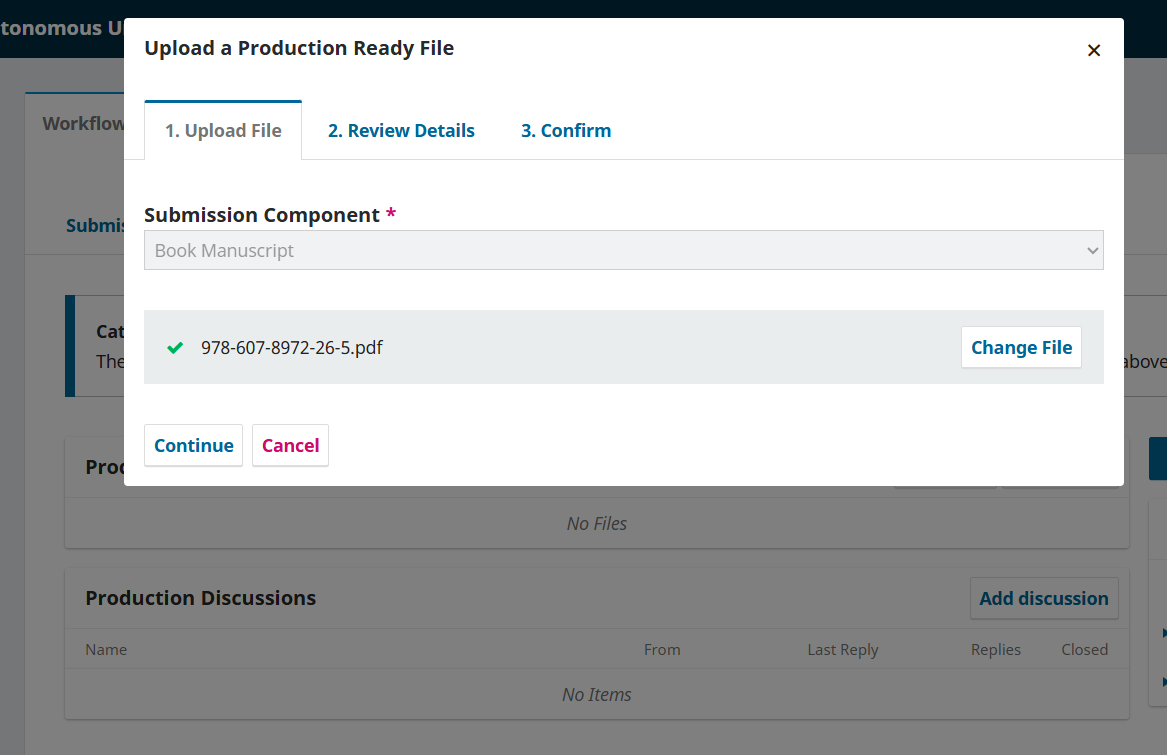
2- A new window will open: “Upload a Production Ready File”. In the “Submission Component” field select “Book manuscript” from the dropdown menu and upload the file:
3- In the next tab “2. Review Details”, write the name of the file and click “Continue”:
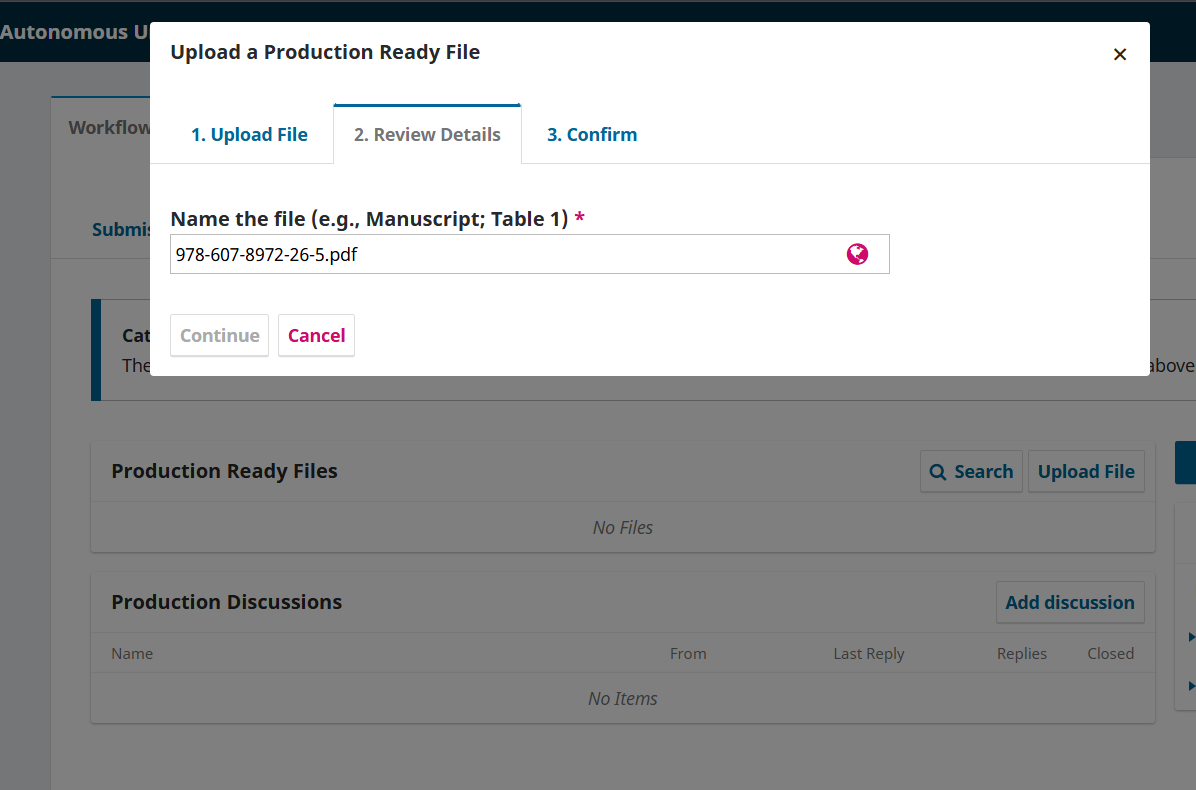
The current issue, is that it takes from 30 seconds to 3 minutes before it tells you “File Added” in the next tab.
This is what logs show:

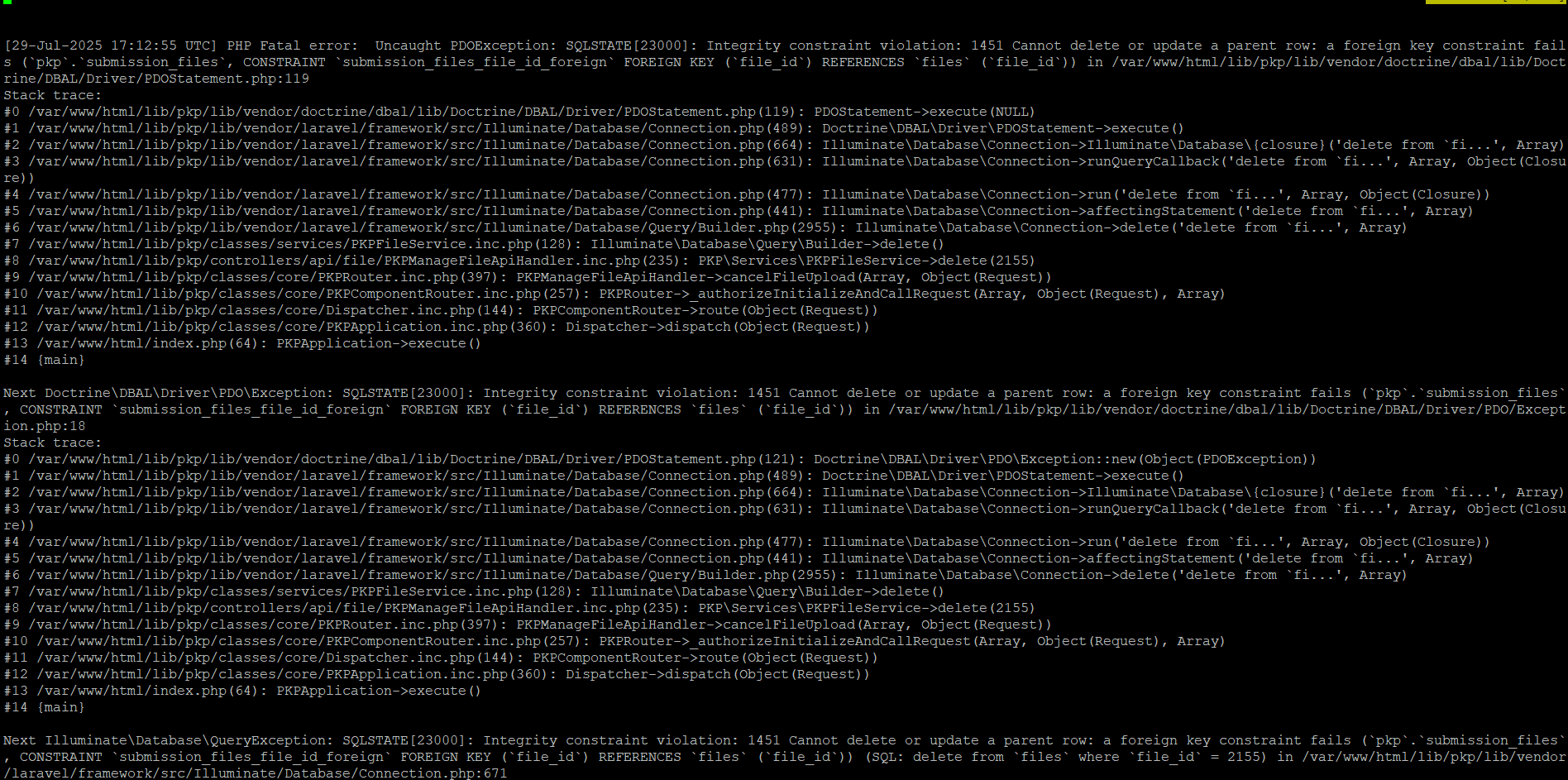
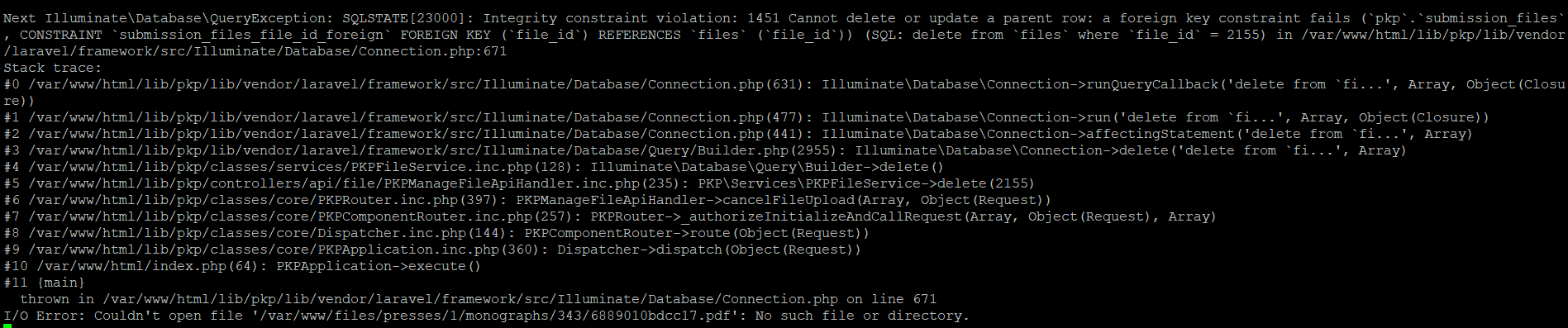
If you click “Cancel”, it takes more time. These are the logs:
We encounter the same issue when we publish the file.
To replicate the issue:
1- Aprove “Complete” and “Availability”.
2- Click “publish”:
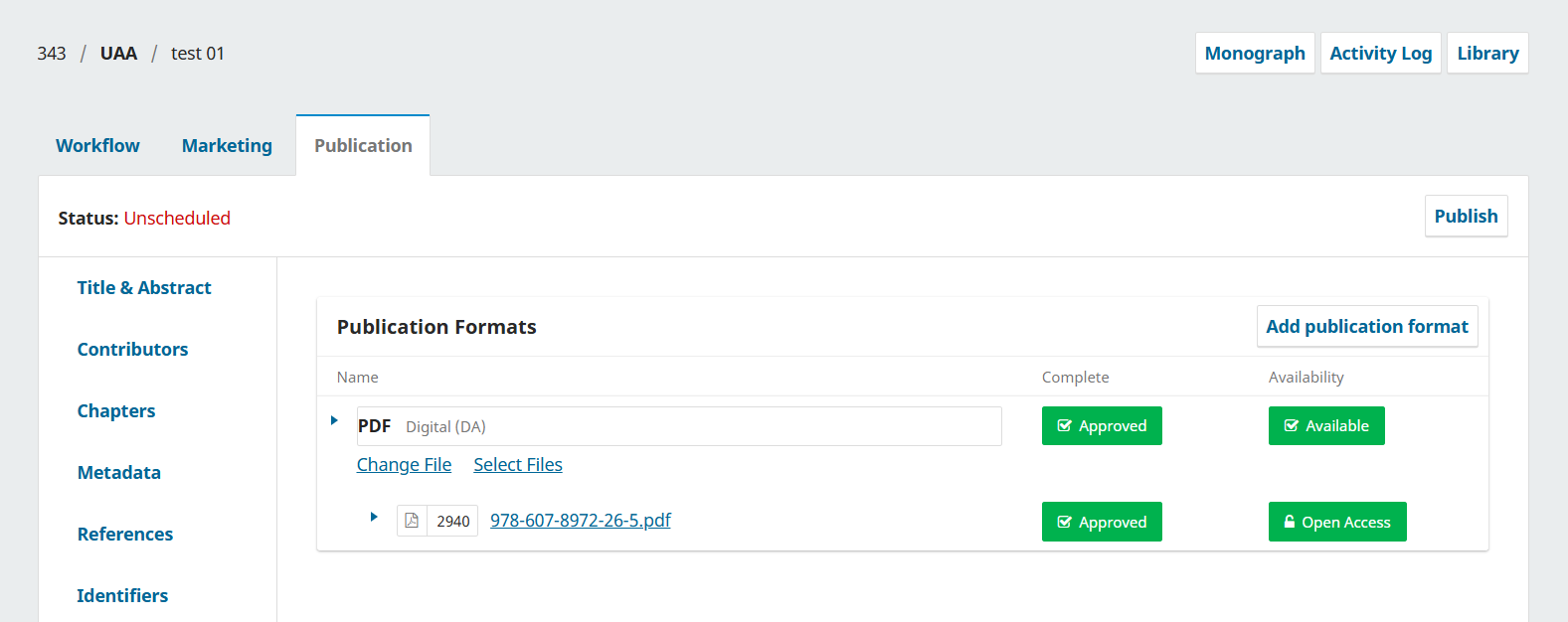
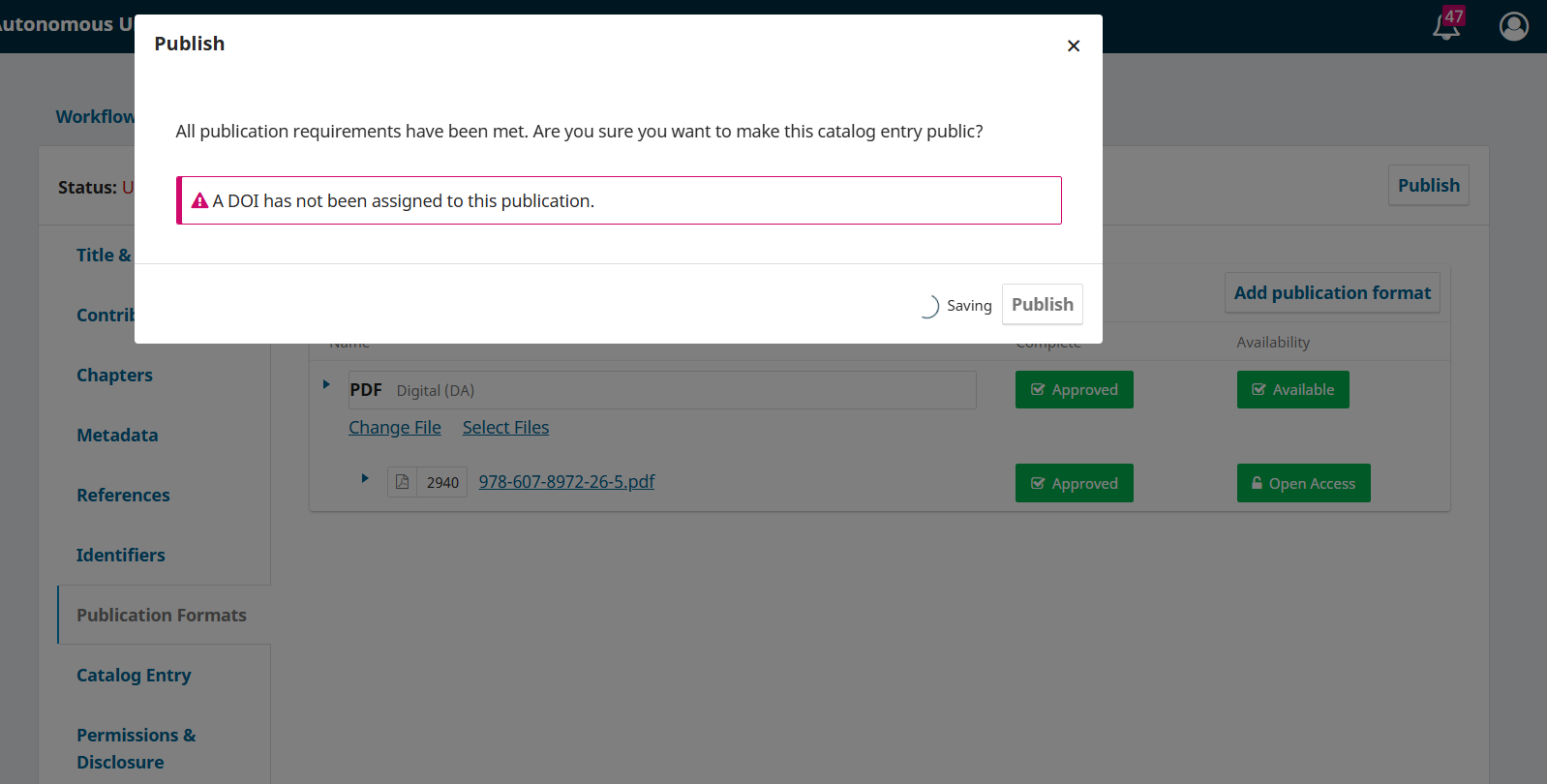
3- Afterwards a “Publish” window will appear, then click the button “Publish”, and
takes between 30 seconds to 3 minutes for the file to publish:
Logs output:

What application are you using?
OMP 3.3.0-21, PHP 8.3.22, Mariadb 11.8
Thanks in advance.
 Yes, this applies equally to OMP (and OPS).