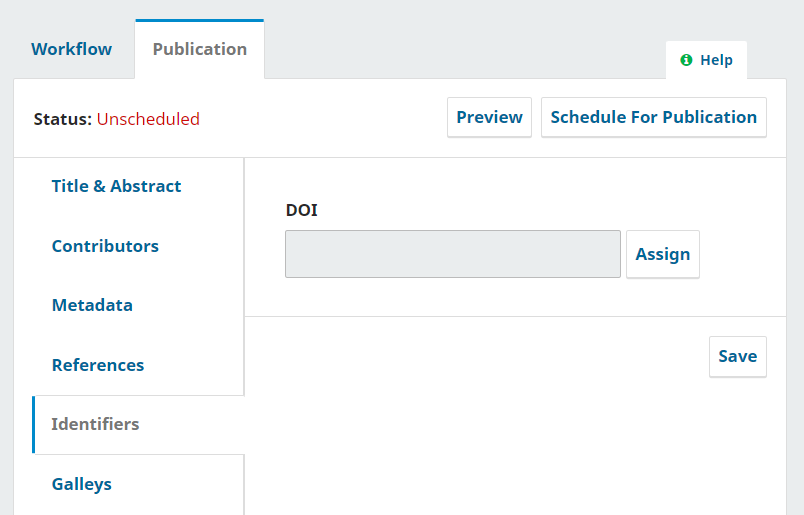
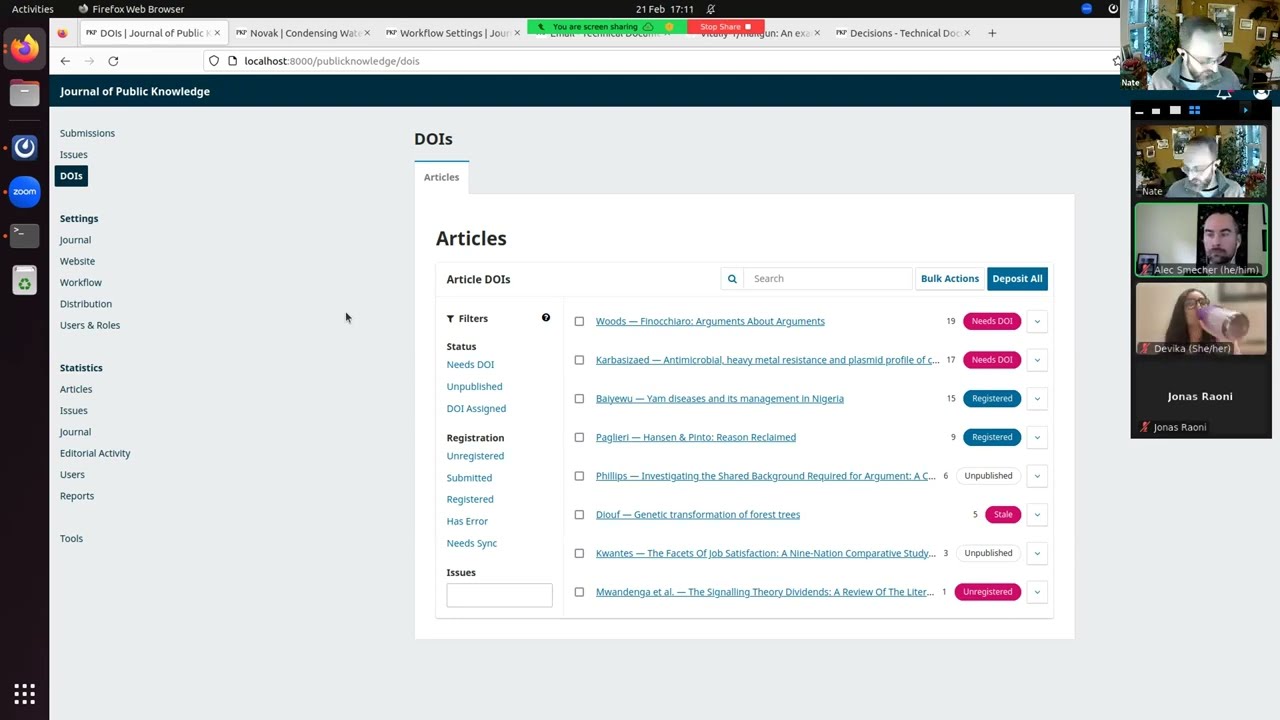
Can I have a documentation/step by step about how to register the DOI. I am very beginner users of the OMP, could you provide a step by step to help me?
Do we need any plugin?
I see the Datacite plugin I am not sure if we had this plugin before installed for 3.3.
Have you registered with DataCite yet and configured your plugin? That will be a necessary first step before being able to assign DOIs, whether your are using Datacite or Crossref.
I actually found a very nice video explaining the process. Thank you!
I have a question still. Do I need to assign a DOI for all books or not necessarily? In the 3.3 we used to have what we call “Interactive books” and those we were not assigning DOI’s for. Is still possible to do something similar, have a category of books who does no need DOI’s perhaps?
As I understand it, this is preference of the publisher. You can choose to have as few or as many DOIs as you wish. Some potential drawbacks for not having them might be that users of your site come to expect them, and we then see them only on particular ones, that might be a little bit confusing. DOIs aren’t used as widely for monographs/books as they are for journals, I’ve found. Generally speaking, the more you can have the better, but publishers might have different reasons for not having them.