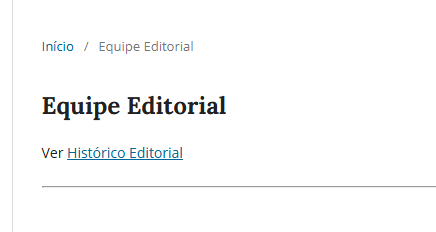
I’m having trouble finding where to edit the editorial team page in OMP 3.5.
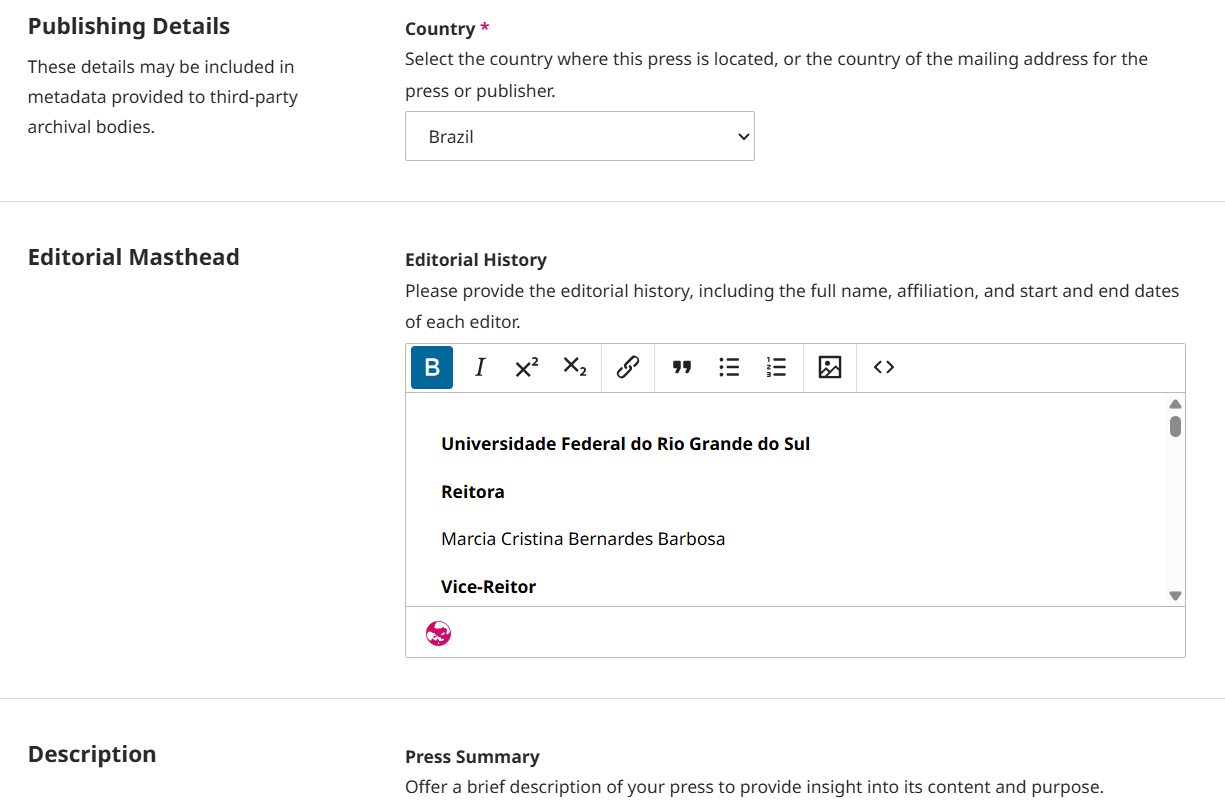
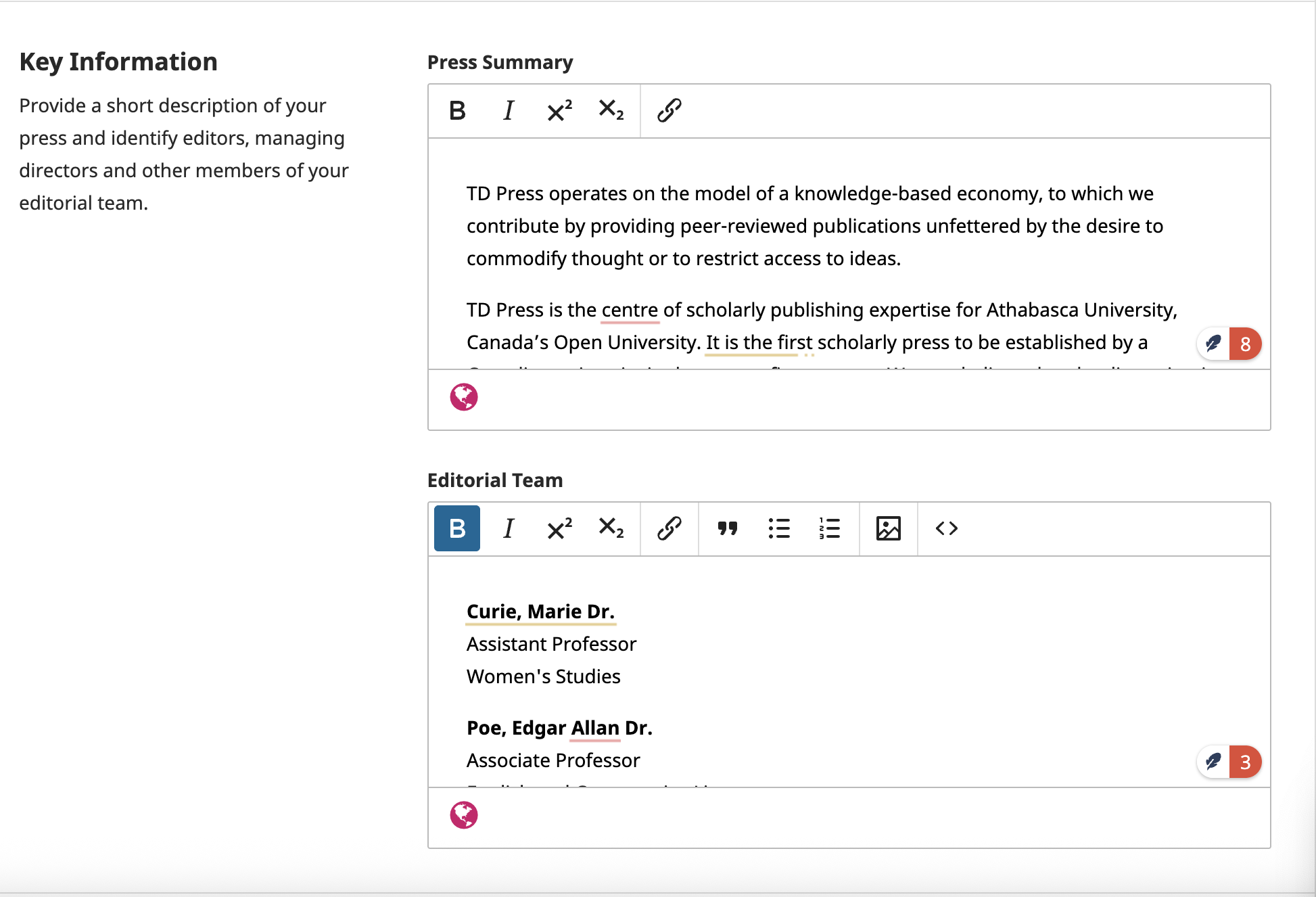
In Settings > Press > Masthead > Editorial Masthead only the ‘Editorial History’ field is showing for editing, and there is no field to include the current editorial team.
And is there no chance of this page being edited in the future? Doesn’t this automatic update reflect a culture in university publishers of always listing the names of rectors and pro-rectors and other members of the publishing house team on these pages, who wouldn’t necessarily have access to the system, and are even roles not foreseen in the list of roles (which is understandable in the system).
In the case of this publisher, the information I mentioned was included in the ‘history’ as a way of getting round the problem, but it still doesn’t have the same result.
Yes, Editorial Masthead and Editorial History page have been fully refactored in 3.5, as part of our Journal Integrity Initiative (JII). JII tries to make things transparent, and to minimize manipulation possibilities. Thus, now, Editorial Masthead page lists all current/active users of the system in the editorial masthead roles, and it does not allow editing of this information. There is still possibility for press editors to create static pages with free texts, however Editorial Masthead page is meant to follow JII. Per default, the following roles are considered for masthead: press editor, series editors, reviewers and editorial board members. Press editor can mange the masthead roles under Settings > Users & Roles > Roles > Edit a role > “Consider role in masthead list”. For those persons that should be listed but are not in the system, we introduced the new role Editorial Board Member. So all persons that needs to be listed as such should be registered into the system and get the role.
Editorial History page does the same, but it lists users that are not active in the system any more. The Editorial History prior to the use of the system can be described in that free text field in Settings > Press > Masthead > Editorial Masthead > Editorial History.
Reviewers are always displayed – no matter how the settings are. All reviewers that completed a review in the previous year will be listed. We will also consider other years in the future.
It is also to be noted, that now the new users would need to accept a new role and their appearance on the masthead. Currently, this decision can not be edited later by the press editor. But we plan to allow this in the near future, in one of the next releases.
Currently only admin has a possibility to change the user’s appearance on the masthead under Administration > Site Management > Hosted Presses > Settings wizard of a press > Users > Edit User.
That the press editor does not appear on your masthead page seems strange. Has they appeared in the meanwhile?
Could you double check that that role is selected to be considered on the masthead (Settings > Users & Roles > Roles > Edit a role > “Consider role in masthead list”)? Also, would it be possible for the admin to take a look at this user’s setting (Administration > Site Management > Hosted Presses > Settings wizard of a press > Users > Edit User)?
No, the editor never appeared. I requested the PHP logs from our Infrastructure team and will let you know as soon as I receive them, but since the publisher wants to include the rectors on this page and this will not be possible through the system, I think the best way to get around this and achieve the desired result is to create a customised page. I did this and the result worked well; it is close to the formatting that the publisher already uses.