Doi for issues with pattern

Describe the issue or problem

Do you have any suggestion to setup DOI assignation for both Issues and Articles with pattern mode assignation?

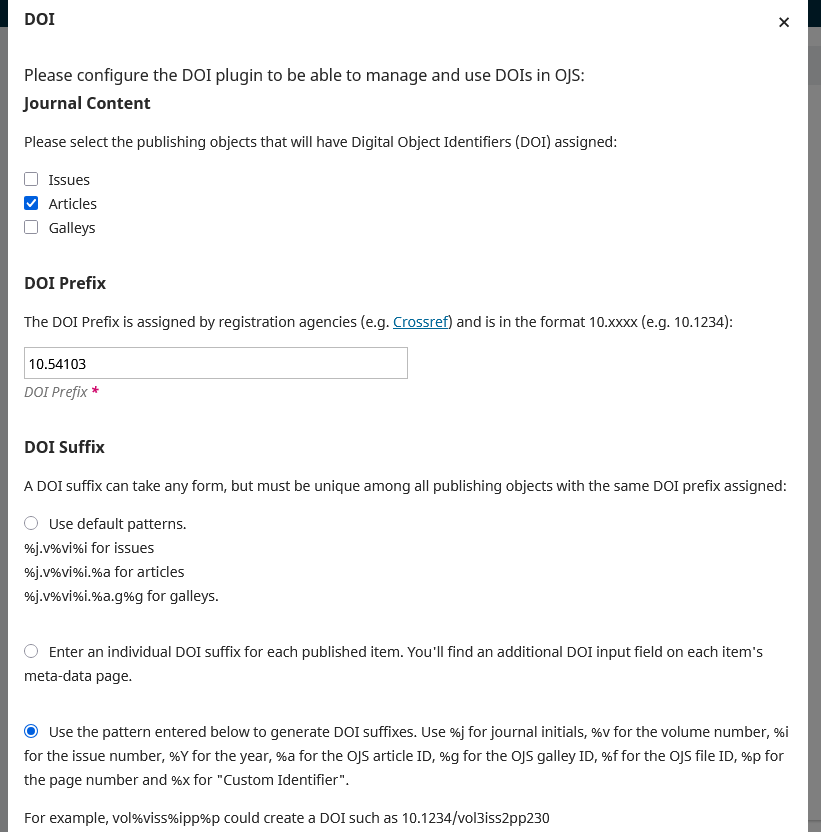
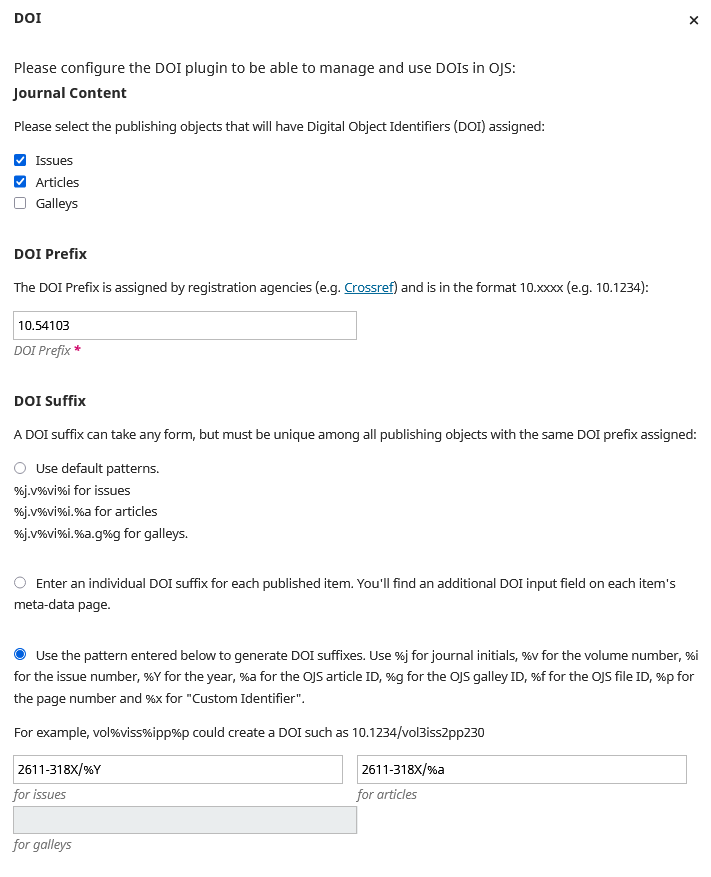
The problem is that in the patterns available, you find:

“Use %j for journal initials, %v for the volume number, %i for the issue number, %Y for the year, %a for the OJS article ID, %g for the OJS galley ID”

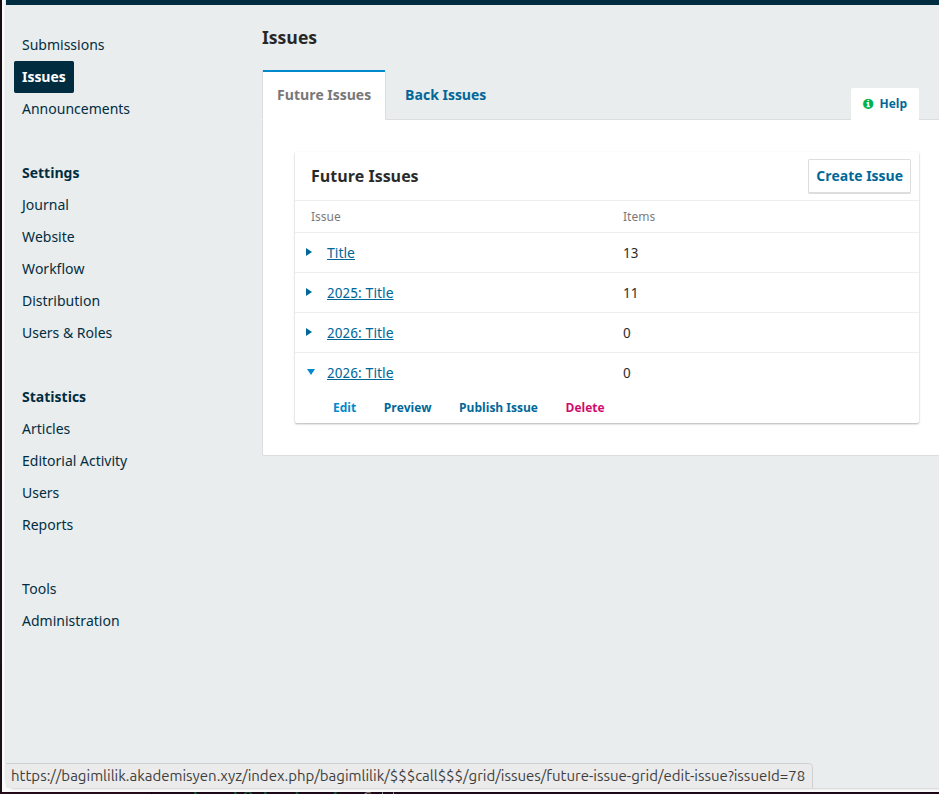
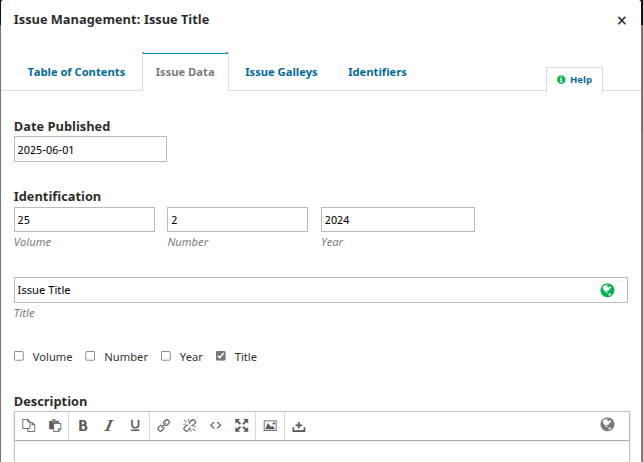
There is no OJS ID for issues, so I have to assign %v for the volume number or %Y for the year, but very often journal editors, in “Issue data” (from Issues menu on top left), don’t fill in the same fields for issues’ DOIs assignation, they sometimes fill on only title field and so it is impossibile for OJS to generate a correct DOI

What application are you using?
OJS 3.3.0.21

Additional information
Please add any screenshots, logs or other information we can use to investigate this problem.

Hi @rossella.filadoro
Based on my past experience, I recommend never using the year, volume, and issue parameters for an article doi suffix. After registering, you can’t modify a doi suffix, even if you need to move an article from one issue to another, need to publish an article in 2026, which is registered in 2025, etc… Best is to generate a doi syntax line; journalpath.articlenumber.
For ex in our journal we use that syntax; Cases detected with sildenafil…
DOI: 10.17986/blm.1740
Syntax: doiprefix/journalpath.submissionid
You only need to select custom, and write %j.%a
Regards,

Hi @drugurkocak thanks for your answer, but my problem is not about assigning DOIs to articles, but about assigning DOIs to volumes.

You must setup if you want a manual setup or a pattern setup, and that configuration is valid for both articles and volumes, you cannot decide manual setup for volumes and pattern setup for articles.

So I have to setup pattern setup, but, while I can choose OJS article ID for articles DOIs, I cannot choose OJS volume ID, as it is not a parameter which can be selected.

In order to to have a pattern for volumes DOIs, I am forced to choose parameters related to the numbering of issues.

Another solution could be to have the possibility of setting up a manual setup for Volumes DOIs, and a pattern setup for Articles DOIs

Hi @rossella.filadoro
Let’s try to understand the use of DOI. It’s a simple combination of a prefix (10.xxxx) and a suffix. Crossref or Datacite assigns you the prefix, so it’s contant. The journal or book systems generate the suffix, and register it to the DOI registration company, so it’s stored in their database with some additional metadata such as abstract, references, and most important the web link (URL).
The use of DOI is needed to reliably determine the citation count of articles, books, or book chapters. Additionally, we may add an URL prefix such as (https://doi.org) so that, it becomes a link, and can be resolved to a web page.
So, assigning a DOI to journal issue is something that provides psychological motivation rather than academic benefit. For that reason, my journals didn’t need issue DOI yet.
Since it’s not anything more than a unique combination of numbers & letters, you can assign anything to an issue. But, every issue has an issue number in OJS, and %v determines that.
if the issue doi suffix field doesn’t permit the volume number parameter (%v), then you may assign a custom tag to each issue (like a nickname; january-issue, child-diseases, etc) or any automatic number) and use it for issue DOIs.
I will check if issue doi suffix field accepts %j.volume.%v for journal issues when I have more time.
Best regards,

I know I can assign anything to an issue suffix DOI.

The problem is that I cannot split the kind of suffix assignation between “individual DOI suffix” for volumes and “pattern” for articles.

I need pattern suffix for articles; and I simply adopt OJS article ID for articles.

If I set pattern suffix for articles, the configuration is “pattern” mode also for volumes.But volumes pattern doesn’t have a % parameter based on OJS volume ID, which is the only parameter which is assigned automatically from the system, without risk of errors as with the other parameters which are filled in manually.

Ok @rossella.filadoro ,
I tested possible scenarios on an OJS 3.3 test journal, and the problem became more understandable to me.
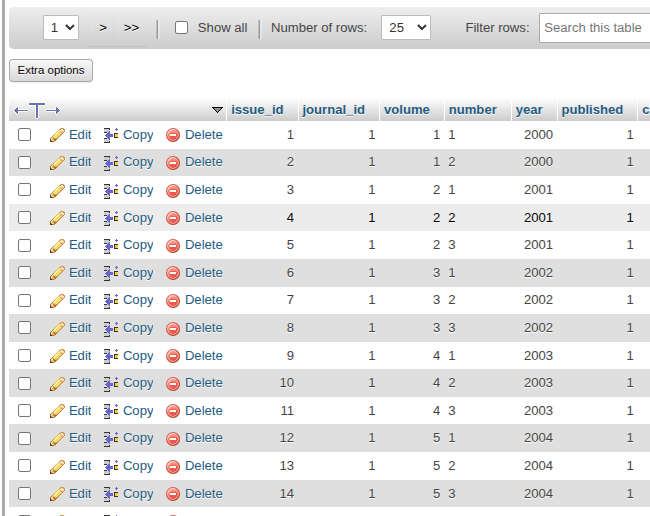
I now see that issue_id (in the database table) is not taken into any consideration during DOI pattern field for Issues. For example, the issue id 78 is not taken as an automatic number like submission id.

If it was, then you could use it.

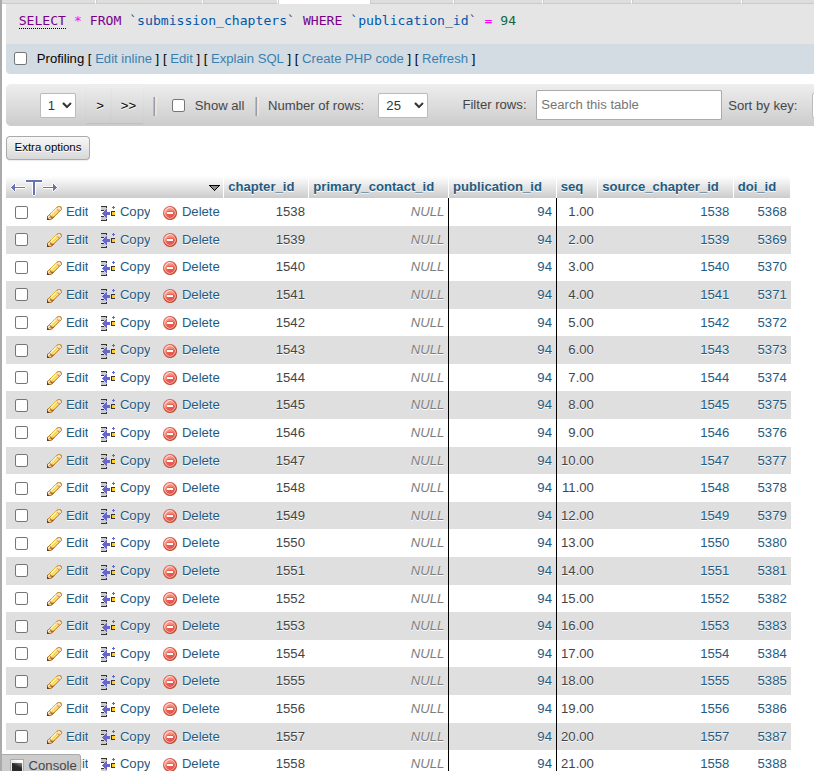
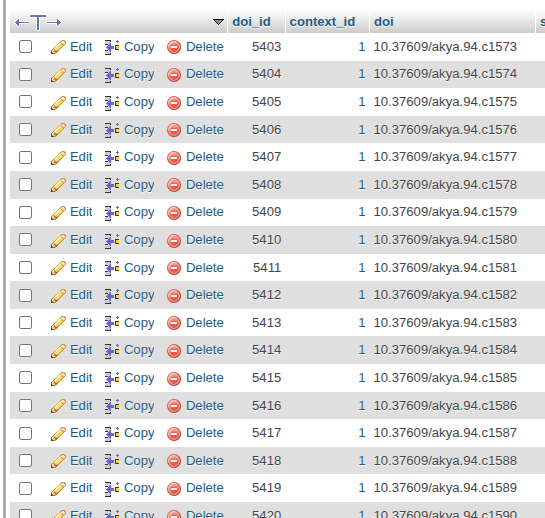
Interestingly, chapter_id can be used in OMP 3.4 for chapter DOIs


To my tests, parameters valid only for Issue DOI pattern are Volume (%v), Number (%i) and Year (%Y) located under the Issue Data tab, and all of them have to be entered manually. None of the file id (%f), galley id (%g) or custom identifier (%x) are valid for Issue pattern. When I tried to use one of them, I end up with error stating “The DOI cannot be assigned because it contains an unresolved pattern.”

The checkboxes under the title field only define the text that appears in Journal frontend like Archives or the Last Issue. They don’t affect DOI pattern.

So, since you have left the volume and number fields empty, you are not able use these parameters. If this journal publishes one issue per year, then no problem, and no DOI conflict. But if they want to publish multiple journals per year, it will cause a conflict and will fail.
Well I learned some new things, but useless.

I see that you have already registered DOIs for 2 issues in published in 2025 and your OJS portal consist of multiple journals. Am I right?

Long story short, either you will make some code changes in the core of OJS 3.3, or you will create the Issues for the next 3-4 years now and fill in the Issue fields that you want to use by hand (like me). I am sure, the second one will not take more than 10-15 minutes.

Best regards,
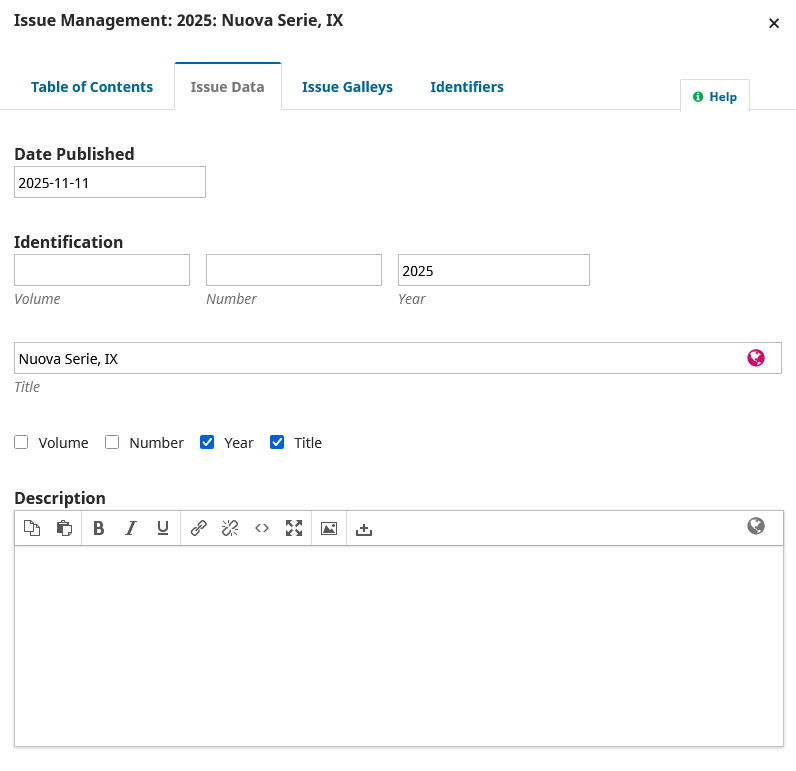
Unluckily, i already assigned a doi also to the last volume. But It Is not displayed because i had to disable doi automatic assignation to issues, in order to avoid that journal editors create a volume doi with the wrong doi for future issues.

The journal editor in the past has already doubled a doi, associating an automatic doi to 2 different volumes published in the same year.

It Is not a 2 seconds job, if the journal Is managed by a journal manager Who Is not envolved in ojs problems.