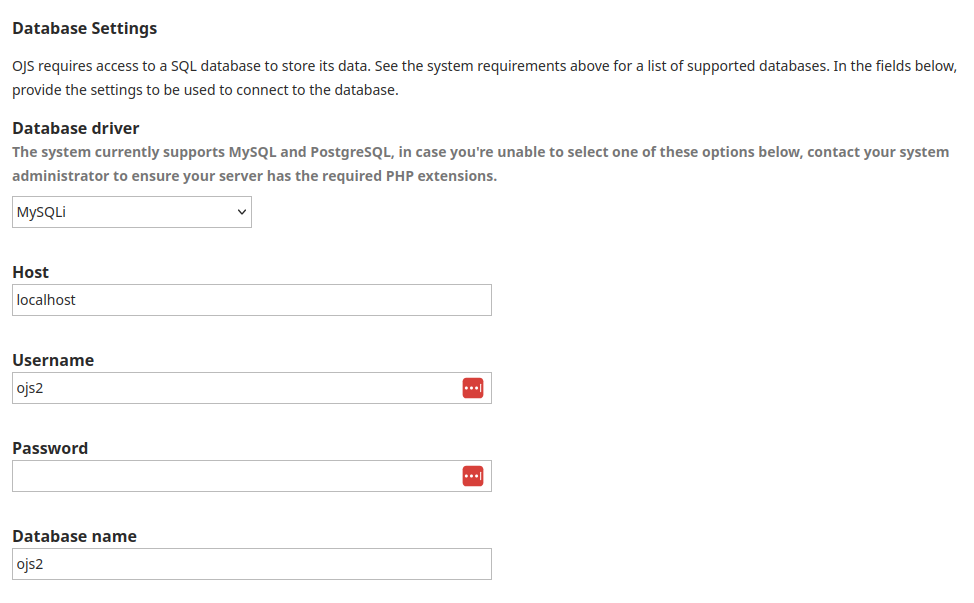
I am installing OJS 3.5.0-3 for the first time on Windows 11 with PHP 8.2.11 and MySQL 8.0.43. I am trying to install it via localhost. After making the necessary adjustments on the first page that appears, I am getting an error message: “Failed to set database timezone: could not find driver (Connection: mysql, SQL: SET time_zone = ‘+03:00’)”, and the installation does not continue. What is causing this error? How can I fix it?
There is one point I am not entirely sure about during installation. That is how the database settings should be configured. Is the information provided here, such as username, password and database name, for accessing the MySQL database? How should the ‘OAI Settings’ be given?