Hi everyone,
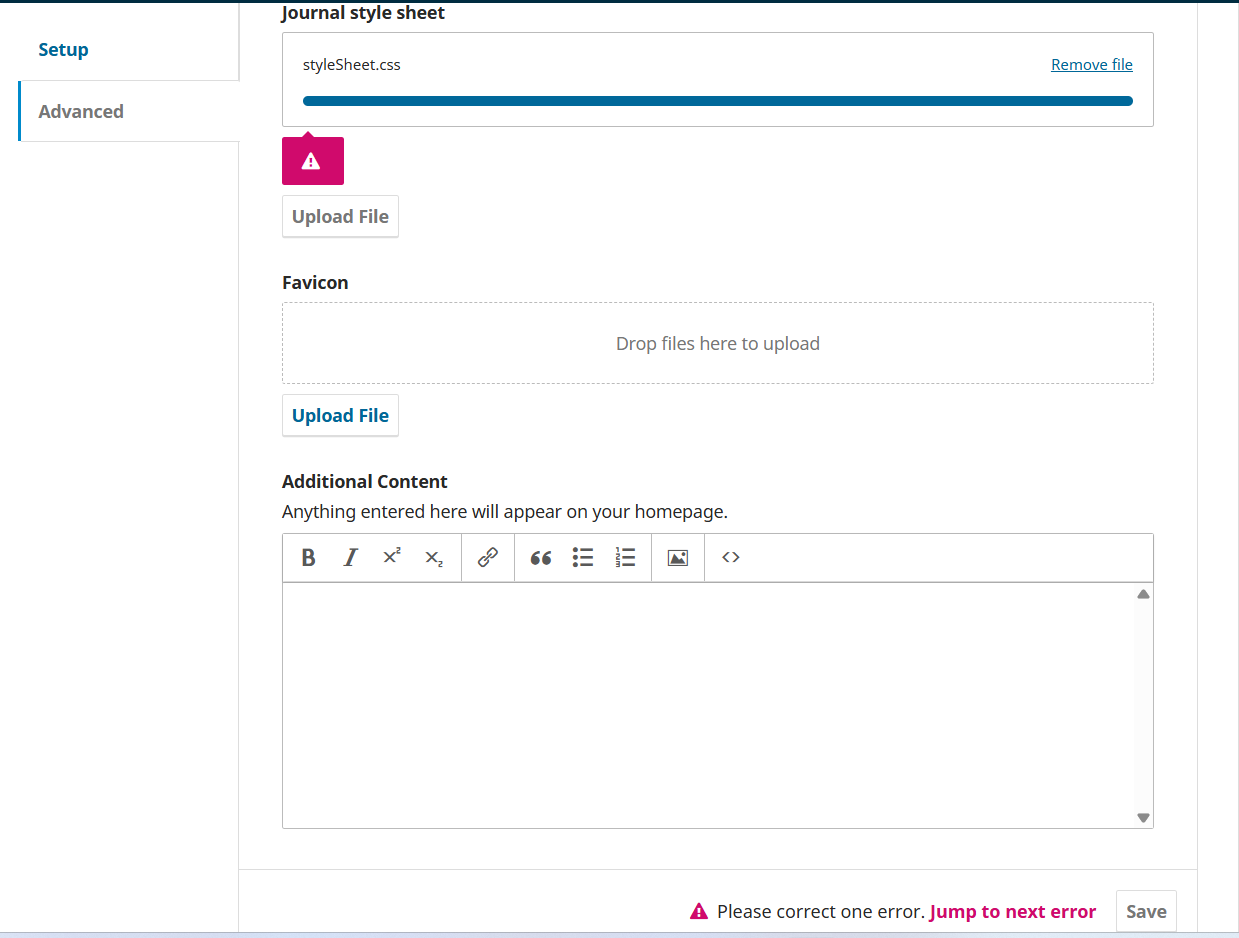
I hope this message finds you well. I am using OJS 3.3. Previously, I had successfully uploaded custom.css file in Website Settings, Appearance, Advanced. However, I needed to update the file, thus, I removed the previous custom.css file and attempted to upload the new custom.css file. But, upload fails and I see the following error message near save button “Please correct one error. “Go to Journal style sheet: undefined Jump to next error”.
Yes, I cleared data and template cache. Even cleared cache folders manually using file manager. It did not work. As soon as I upload the .css file, red error box appear.
Hi @Dr.Ali
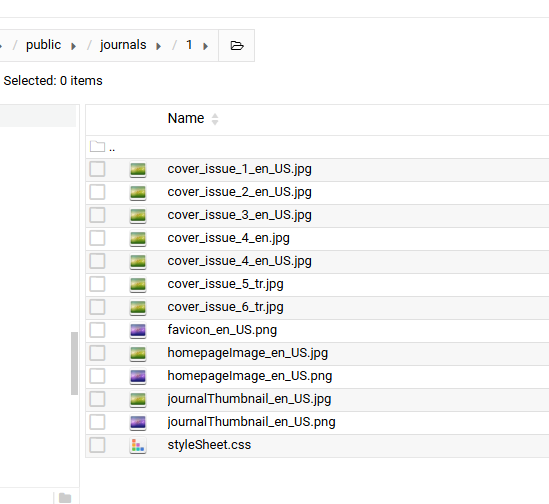
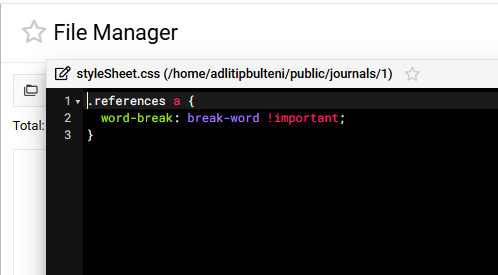
My custom css file is located in /public/journals/1/styleSheet.css. If you have cpanel or ftp access, I think you may edit or replace its content manually. Changes may reflect after clearing the caches.
If you are not ready to to upgrade the OJS version, you may try.this method.
Regards,
Uğur Koçak
Thanks for your guidance. I uploaded the .css file manually from cpanel but there are no changes observed in the website. In the attached snapshot, in the UI, the .css file does not seem to be uploaded. Moreover, when I tried to upload it from the OJS UI, again an error message appear that is also shown below in another snapshot. Do not know why the OJS does not loads the manually uploaded .css file.
Hi @Dr.Ali
I think I’ve completely misunderstood something
This situtation is resulting from my assumption that you had previously uploaded a custom CSS file (and the error appeared after an upgrade). Your screenshot shows us that you have not uploaded any custom css before, so, it isn’t registered in OJS settings.
I’m sure it has been fixed in later versions of OJS 3.3.-0.x, but I couldn’t have much time to make a detailed search for a fix. The OJS developer team may suggest a fix for that error.
If you have to hold on OJS 3.3.0-x, perhaps, you should try the latest version of it.
Best regards,
Thank you very much for your comments. I fixed it. The following procedure helped me fix the issue:
My custom CSS stopped working because after I removed the stylesheet in OJS, the system no longer had a database record telling it to load /public/journals/2/Custom.css, so simply replacing the file on the server couldn’t take effect. I confirmed this by checking my page source (there was no styleSheet.css link), verified the styleSheet setting was missing in journal_settings, then restored it by inserting the proper styleSheet setting value in the database so OJS would include the file again.


 This tells OJS: “Journal 2 (the journal_id) has a custom stylesheet called